
ReadyMadeApps
How to Integrate Payment Gateways Into an Already Set Up Store
Switching or adding a payment gateway mid-operation is riskier than doing it at launch. Here's how to do it without breaking checkout.
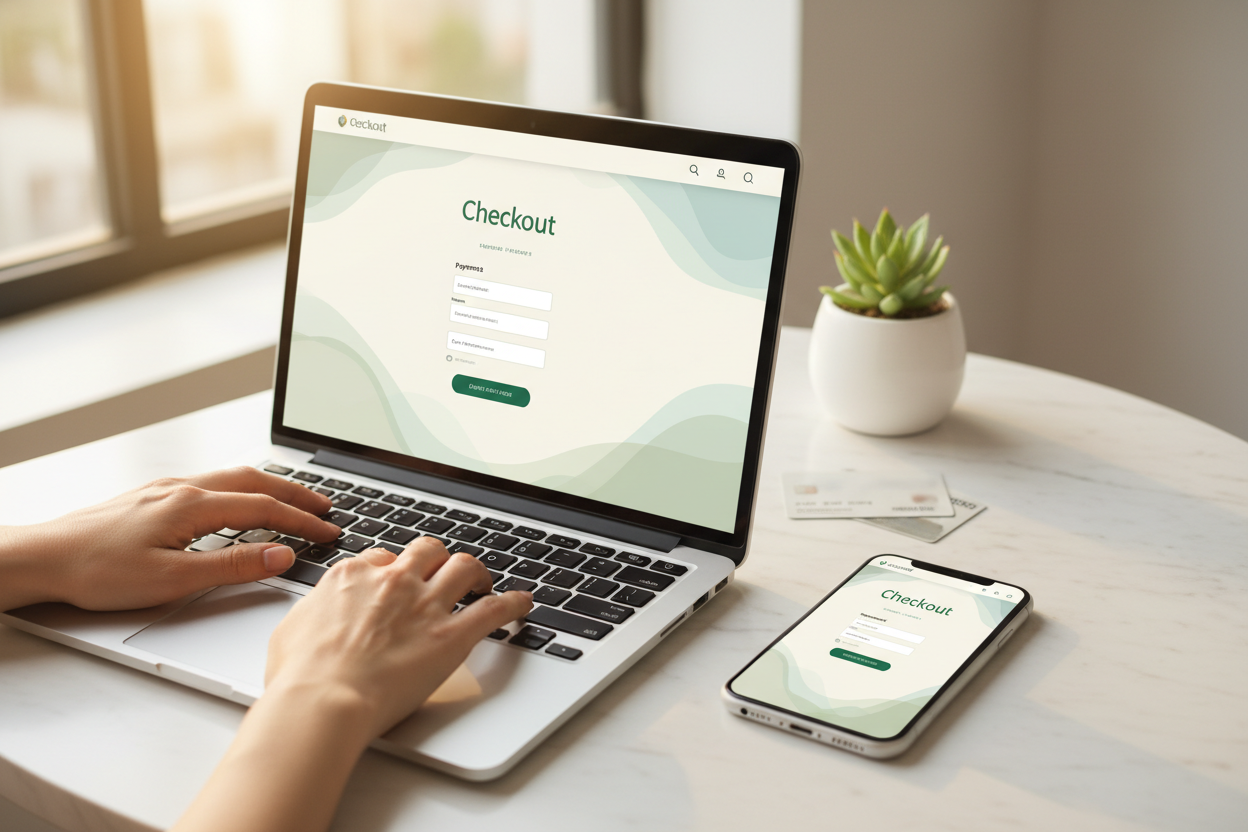
Quick Answer: Integrating a new payment gateway into an already operating store means testing it thoroughly in a sandbox environment first, running it alongside your existing gateway briefly rather than an immediate full switch, and confirming checkout works across every device type before fully committing. This exact process gets asked about on Reddit's Shopify and ecommerce forums regularly, usually from store owners worried about breaking checkout on a live business. Here's the actual safe process.
Reddit's Shopify and ecommerce forums see this concern constantly — adding or switching a payment gateway on a store that's already generating sales feels riskier than setting one up at launch, and it genuinely is if done carelessly. I want to walk through the safe process.

Test in a Sandbox Environment First
Key Takeaway: Most payment processors offer a test mode that simulates transactions without moving real money — use it before touching your live store.
Nearly every major payment processor offers a sandbox or test mode where you can simulate transactions, including declined cards and edge cases, without any real money moving. Run through this thoroughly before connecting the gateway to your actual live store. Skipping this step and testing directly on production is how checkout outages happen.
Run the New Gateway Alongside the Old One Briefly
Key Takeaway: An immediate full switch removes your fallback option if something goes wrong — a brief overlap period protects against this.
Rather than immediately disabling your existing gateway, keep both active briefly if your platform allows it, routing a small percentage of traffic to the new one first. This gives you a working fallback if the new integration has an issue you didn't catch in sandbox testing, and it's the same risk-mitigation logic covered in our common post-setup mistakes guide.
| Step | Why It Matters |
|---|---|
| Sandbox testing | Catches issues without real transactions |
| Brief overlap period | Provides a working fallback |
| Cross-device testing | Mobile checkout often breaks differently than desktop |

Confirm Checkout Works Across Every Device Type
Key Takeaway: A gateway that works flawlessly on desktop can behave differently on mobile — test both before considering the integration complete.
Complete a full test purchase on both desktop and mobile before considering the integration finished. Mobile checkout flows often reveal issues — display problems, autofill conflicts, or slower load times — that don't show up in desktop testing alone. This single check catches a meaningful share of real-world payment integration problems.
Best Apps to Enhance a Shopify Store Already Set Up
Key Takeaway: Payment gateway integration is one piece of a broader post-launch optimization toolkit.
This process fits alongside the other best apps to enhance a Shopify store already set up — the automation tools covered in our recommended apps guide, applied with the same careful, tested-before-live discipline.

Want payment gateways already configured correctly? Browse EcomChief's catalog.
Payment Setup Already Handled, Not Left for You to Test
Key Takeaway: Every store ships with a working, tested payment gateway from day one.
The stores in EcomChief's catalog are built using the exact method described in this post. Not templated. Not assembled from a page builder. Custom sections, locked design systems, production-ready — the same standard I hold my own theme to. Every store starts at $99, with an optional $148 traffic package if you want marketing support from day one. If you want to own a store built this way without spending months developing the method yourself, this is where to start.
The Bottom Line
Key Takeaway: Sandbox test, brief overlap, cross-device check — three steps that prevent a payment integration from breaking a live store.
Adding or switching a payment gateway on an operating store is safe when done carefully — sandbox testing first, a brief overlap period rather than an immediate full switch, and thorough cross-device testing before considering it complete. Rushing any of these steps is how checkout outages happen on a live business.
Helpful EcomChief Resources
Key Takeaway: Quick links to browse, optimize, and get answers.
Here are useful links:
- Browse All Businesses — From $99
- What's Included
- Talk to Us Before You Buy
- Common Mistakes After Setup
- Recommended Apps for Dropshipping Automation
- How to Sell in Shopify After You Buy
Want it handled for you? Browse the catalog.
Related reading
All articles


Free Online Business Calculators
Estimate costs, profits, ROI, affiliate earnings, and business value before you spend money.