StartHere
How to Sell in Shopify — What to Do After You Buy a Store
Owning a store isn't the same as selling in one. Here's the specific first-90-days playbook for actually generating sales.
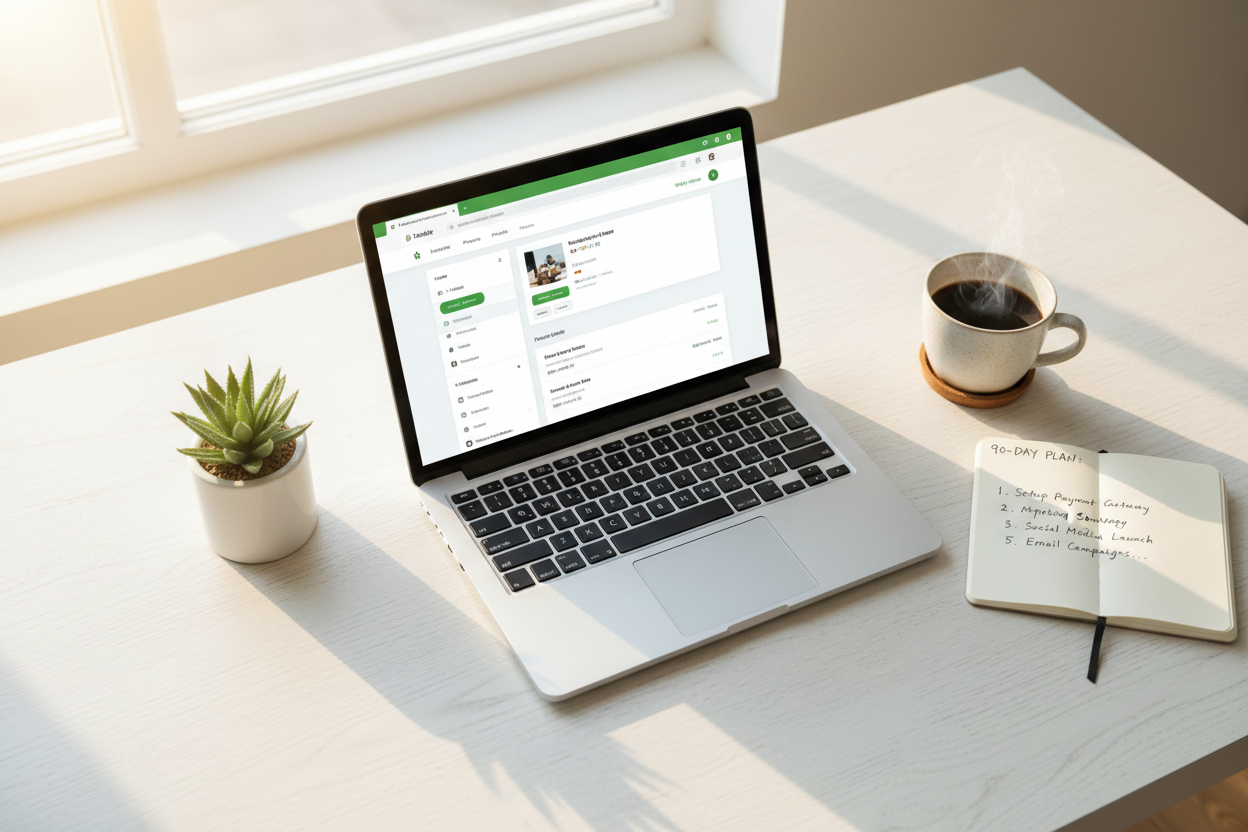
Quick Answer: How to sell in Shopify once you own a store comes down to three things — verify your plugins are actually configured, drive a properly sustained traffic test, and track what's working before scaling anything. This exact question floods Reddit right after someone buys their first store. Here's the real first-90-days playbook, not generic "just market it" advice.
Reddit's Shopify and ecommerce forums are full of people who bought a store and then asked "okay, now what?" I want to walk through the actual sequence — what to check first, what to test, and what to track — rather than vague encouragement.

Step One — Verify Your Plugins Are Actually Configured
Key Takeaway: A plugin being installed isn't the same as it being configured and working — check this before anything else.
Before driving any traffic, log into your Shopify admin and check every installed app individually. Shopify plugins for email automation, upsells, and reviews are only useful if they're actually configured for your specific catalog, not just installed by default. Our post on what should be included in a ready-made store walks through exactly which tools to check and how to test each one.
Step Two — Run a Genuine Traffic Test, Not a Token One
Key Takeaway: A properly sustained ad test at the platform's real minimum spend produces the data you actually need to make decisions.
Whether you're planning to buy on Shopify traffic through paid ads or drive it organically, give your first real test enough budget and time to produce meaningful data — Meta and Google's algorithms need roughly two to three weeks at a sustained daily spend to exit the learning phase. Our minimal budget guide shows the exact math for splitting a tight budget between store cost and this test.
| Week | Focus |
|---|---|
| Week 1 | Verify plugins, test checkout, confirm shipping rates |
| Weeks 2-4 | Sustained traffic test at real daily minimum |
| Week 5+ | Review data, scale what's working, cut what isn't |

Step Three — Track Before You Scale
Key Takeaway: Know your actual numbers — cost per click, conversion rate, average order value — before increasing spend on anything.
Once your traffic test has run long enough to produce real data, review it before scaling anything. A drop shipping business or any online store business scales safely only when you know which specific product angle or ad creative is actually converting — scaling a test you haven't properly measured just multiplies your losses if it wasn't working in the first place.
What Selling Well in Shopify Doesn't Require
Key Takeaway: You don't need every plugin, every marketing channel, or a huge budget simultaneously — focus beats breadth in the first 90 days.
A common mistake among first-time owners of dropshipping businesses is trying to run five marketing channels and ten apps simultaneously right out of the gate. Focus on one traffic channel and the core automation tools first — expand only once you understand what's actually driving results. Our common post-setup mistakes guide covers this exact overreach pattern in more detail.

Want a store where the automation is already configured correctly? Browse EcomChief's catalog — every store ships tested, not just installed.
Start Selling With Tools Already Configured
Key Takeaway: Plugins tested, catalog curated — skip straight to the traffic test.
The stores in EcomChief's catalog are built using the exact method described in this post. Not templated. Not assembled from a page builder. Custom sections, locked design systems, production-ready — the same standard I hold my own theme to. Every store starts at $99, with an optional $148 traffic package if you want marketing support from day one. If you want to own a store built this way without spending months developing the method yourself, this is where to start.
The Bottom Line
Key Takeaway: Verify plugins, test traffic properly, track before scaling — the whole first-90-days playbook.
Selling in Shopify after buying a store comes down to three sequential steps: verify your automation is actually working, run a properly funded traffic test, and track real data before scaling anything. Skip the generic advice and follow this order specifically.
Helpful EcomChief Resources
Key Takeaway: Quick links to browse, plan, and get answers.
Here are useful links:
- Browse All Businesses — From $99
- What's Included
- Talk to Us Before You Buy
- What's Included in a Ready-Made Store
- Minimal Budget Planning
- Common Mistakes After Setup
Ready to skip the setup work? Browse the catalog.
Related reading
All articles


Free Online Business Calculators
Estimate costs, profits, ROI, affiliate earnings, and business value before you spend money.