Marketing
Walmart Is Finally Adding Apple Pay: 7 Checkout Lessons Every Shopify Store Owner Should Learn
Walmart is finally rolling out Tap to Pay and Apple Pay support after years of holding out. Here are seven practical checkout lessons Shopify store owners can apply to make buying faster,...
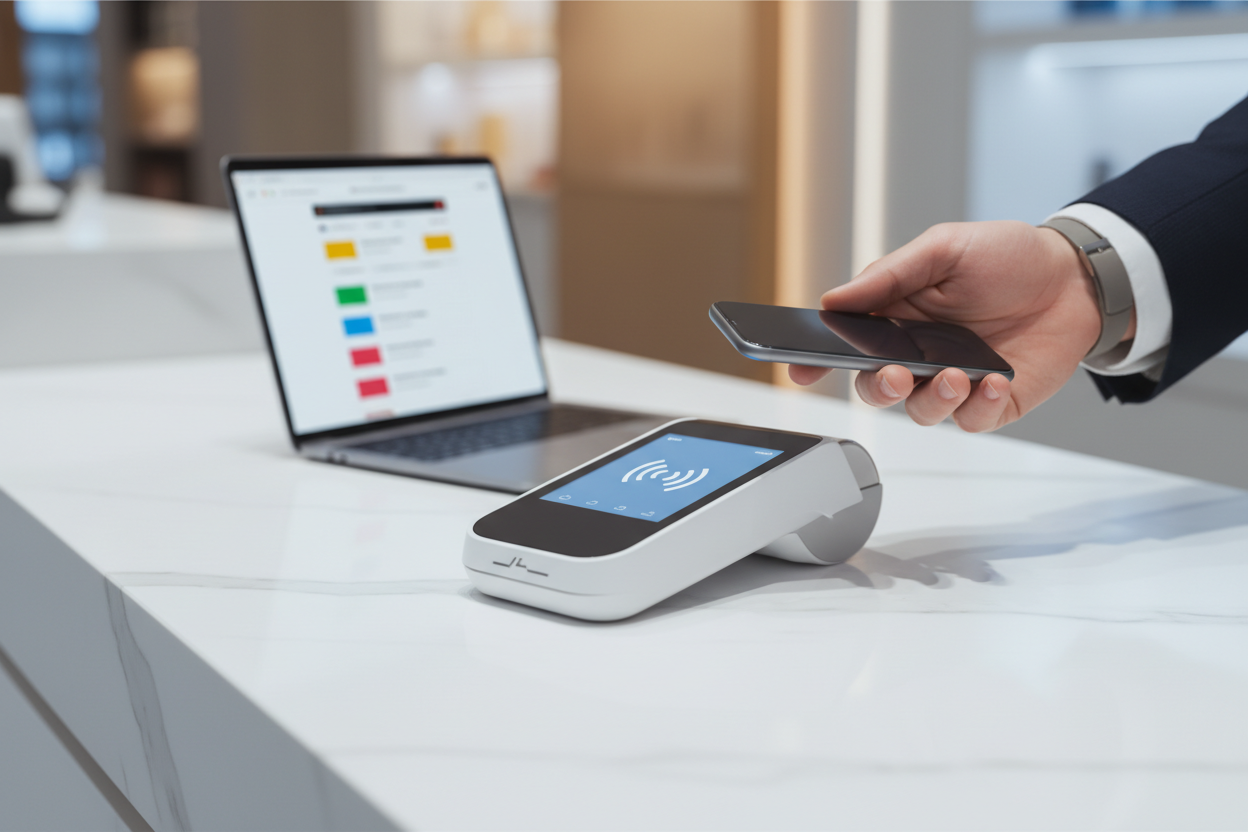
Walmart Apple Pay is finally becoming a reality in the United States. Walmart says Tap to Pay will begin rolling out at select Walmart and Sam’s Club locations on August 24, 2026, before reaching all U.S. stores and clubs by the end of the year. For Shopify store owners, the bigger story is not Walmart itself. It is what this decision says about checkout friction, customer choice, and making payment feel effortless.
What This Means for You
Walmart spent years relying heavily on its own Walmart Pay experience while standard contactless payments became increasingly familiar elsewhere. Now the company is adding another way for customers to pay rather than forcing every shopper down the same payment path.
That principle applies directly to ecommerce.
Your customer has already decided what payment methods they trust, which devices they use, and how much effort they are willing to tolerate. A Shopify store does not need to reinvent checkout. It needs to make completing the purchase feel familiar.
According to Walmart's August 21 announcement, Tap to Pay begins at select locations on August 24, with nationwide U.S. store and club coverage planned by the end of 2026. OnePay has also confirmed Apple Pay use at select Walmart U.S. locations as the rollout begins.
1. Payment Choice Is Part of Your Customer Experience
Payments are often treated as a technical setting that gets configured once and forgotten.
Customers experience them very differently.
Someone who normally pays using Apple Pay does not think, “I would like to evaluate this merchant's payment infrastructure.” They simply expect the payment method they already use to work.
Walmart's announcement repeatedly emphasizes giving customers more choice at checkout. Its existing options such as cash, cards and Walmart Pay are not disappearing. Tap to Pay is being added alongside them.
Shopify merchants should think the same way. Do not unnecessarily force every buyer into one payment route when appropriate alternatives are available for your store, market and payment provider.
Lesson: The payment page is part of the shopping experience, not merely the final administrative step.

2. Familiar Beats Clever at Checkout
Creating a distinctive brand is valuable on your homepage, product pages, packaging and marketing.
Checkout is different.
The closer somebody gets to handing over money, the more useful familiarity becomes.
Customers generally do not need an inventive payment process. They need confidence that the process works in a way they recognize.
This is one reason accelerated checkout matters for Shopify stores. Shopify supports options including Apple Pay, Google Pay, Shop Pay, PayPal and other eligible accelerated checkout methods depending on the merchant's configuration and the customer's device.
Shopify explains that accelerated checkouts can save payment and shipping information so eligible returning customers can complete purchases more quickly.
Lesson: Make your branding memorable. Make paying predictable.
3. Remove Typing Wherever You Reasonably Can
Every unnecessary field introduces another task between interest and purchase.
Apple Pay is particularly relevant here. Shopify's documentation explains that when customers use Apple Pay on a compatible setup, they do not need to manually enter their credit-card information or shipping address. Their stored information can be presented through the accelerated payment process, followed by authentication on their device.
That does not mean every customer will use Apple Pay or that enabling it guarantees higher sales.
It means that when an eligible customer already has information stored in a familiar wallet, asking them to type all of it again may be unnecessary friction.
This principle applies beyond Apple Pay:
- Use autofill-friendly checkout fields.
- Do not request information you genuinely do not need.
- Offer appropriate accelerated checkout methods.
- Avoid adding unnecessary steps before payment.
- Make guest purchasing straightforward where your setup permits it.
Lesson: Every checkout field should earn its place.
4. Design Checkout for the Device Your Customer Is Actually Using
There is no single checkout experience anymore.
A buyer may arrive through an Instagram link on an iPhone, compare products later on a laptop, and eventually complete the order from another device.
Shopify notes that the accelerated checkout method shown to a customer can depend on factors including the merchant's payment configuration, the customer's browser, device and payment history.
That makes testing important.
An Apple Pay option that appears for one shopper may not appear identically for somebody using another browser or device. Your store therefore needs to work properly even when the accelerated method you personally use is not available to somebody else.
If you are starting with a Shopify store rather than building all of the infrastructure yourself, EcomChief's ready-made Shopify and dropshipping stores provide the store foundation so you can spend more of your launch time testing the actual customer journey, marketing and offers rather than starting with an empty storefront.
5. Faster Checkout Features Still Need to Fit Your Store
“Turn everything on” is not a checkout strategy.
Shopify's accelerated checkout buttons can allow customers to bypass the cart and move directly from a product page toward checkout. That can be useful, but Shopify also documents compatibility considerations.
For example, accelerated checkout buttons may not suit stores that depend heavily on certain cart attributes or apps that interact with the cart. Shopify specifically notes examples such as gift-wrapping fields, delivery-date selectors and some cart-related applications.
The lesson is important because conversion optimization should never become feature collecting.
Before adding a shortcut, ask:
- What step does this remove?
- Does the customer lose anything important by skipping the cart?
- Does it interfere with an app or required field?
- Does the experience still make sense on mobile?
- Have I tested the full transaction path?
Lesson: A faster checkout is useful only when the rest of the buying journey still works.

6. Test the Checkout Like a Customer, Not Like the Store Owner
One of the easiest ecommerce mistakes is assuming that because checkout works for you, it works for everyone.
You know your store. Your customer does not.
Before driving serious traffic, test different realistic paths:
- Visit the store from a mobile device.
- Add a product to the cart.
- Check whether shipping costs and options appear clearly.
- Check discount-code behavior if you use discounts.
- Review the accelerated checkout options available on compatible devices.
- Test the normal checkout path as well.
- Confirm the order confirmation and post-purchase experience.
Shopify even provides methods for merchants to test how different accelerated checkout buttons can display, including Apple Pay, Google Pay and Shop Pay.
Do this before blaming advertising when visitors fail to buy.
A marketing campaign can bring the right person to the right product and still lose the sale if the final buying experience creates unnecessary confusion.
Lesson: Traffic acquisition and checkout optimization are two parts of the same commercial system.
7. Never Depend on One Payment Path
Perhaps the most useful part of Walmart's announcement is what Walmart is not doing.
It is not replacing every existing method with Tap to Pay.
Walmart says the new option will sit alongside payment methods such as cash, credit cards and Walmart Pay. Sam's Club members can also continue using Scan & Go.
That redundancy matters online too.
If an accelerated wallet is unavailable to a customer because of their device, browser, region, payment provider or configuration, the standard checkout still needs to work.
Your goal is not to make every shopper use Apple Pay.
Your goal is to avoid losing an otherwise willing buyer simply because your preferred payment route is not their preferred payment route.
Lesson: Build checkout around customer choice and reliable fallbacks.
The EcomChief 7-Point Shopify Checkout Friction Audit
You do not need sophisticated analytics to find obvious checkout problems. Run this simple audit before spending heavily on traffic.
| Checkout Check | Pass Question |
|---|---|
| Payment choice | Can eligible customers use familiar payment methods? |
| Mobile experience | Can you comfortably complete an order from your phone? |
| Form friction | Are you collecting only information you actually need? |
| Accelerated checkout | Have appropriate express payment options been configured and tested? |
| Cart compatibility | Do shortcuts preserve any information or app functions your store requires? |
| Fallback checkout | Can customers still purchase normally when an accelerated method is unavailable? |
| End-to-end test | Have you personally completed realistic test journeys across relevant devices? |
If you fail one of these checks, fix that friction before assuming your next solution is simply more advertising.

Why Walmart Apple Pay Matters Beyond Walmart
The interesting part of the Walmart Apple Pay story is not that one enormous retailer added another payment option.
It is that even a company with enormous brand recognition eventually decided that giving shoppers more familiar ways to pay was worth doing.
Small ecommerce businesses have even less room for avoidable friction.
A shopper who encounters inconvenience on an unfamiliar Shopify store has no decades-long relationship with that merchant keeping them there. Trust still has to be earned.
That makes simple fundamentals valuable:
- Professional store design
- Clear product information
- Transparent shipping and policies
- Mobile-friendly pages
- Familiar payment choices
- A checkout that actually works
None of these guarantees a sale. Together, however, they remove obstacles that should not have been there in the first place.
What Should Shopify Store Owners Do Now?
Start by checking your own checkout rather than copying Walmart.
If you use Shopify, review your payment configuration, understand which accelerated checkout methods your provider and market support, test the experience on the devices your customers are likely to use, and make sure the standard checkout remains clear and functional.
If you have not launched yet, build these checks into the store before spending heavily on traffic.
EcomChief's current Shopify store inclusions provide a prebuilt business foundation, while the handover process explains how store and domain ownership are transferred. You still need to connect and manage your own business accounts, payment setup, marketing and day-to-day operations after taking ownership.
The Walmart Apple Pay rollout is ultimately a reminder of a simple ecommerce principle: when someone is ready to buy, make completing that purchase as familiar and straightforward as reasonably possible.
Want to start from a Shopify foundation instead of an empty store? Explore EcomChief's ready-made Shopify and dropshipping businesses and compare the available niches and store setups. A ready-made store can reduce setup work, but traffic, sales and profit still depend on your marketing, offer, customer demand and execution.
Related reading
All articles


Free Online Business Calculators
Estimate costs, profits, ROI, affiliate earnings, and business value before you spend money.