ShopifyStores
Best Dropshipping Automation Software: What to Automate First
Learn how to compare dropshipping automation software by workflow, test integrations, and keep the customer-critical decisions under human control.
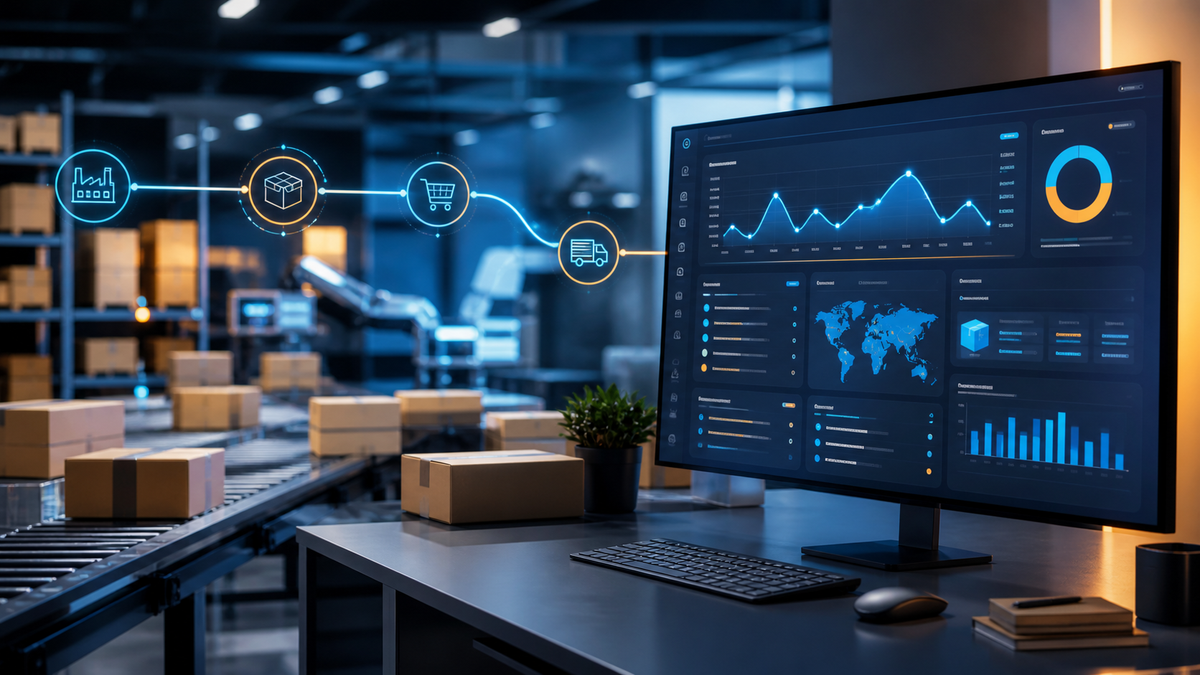
Dropshipping automation software is most useful when it removes repeatable data handoffs without hiding the decisions that protect customers and margin. Start with inventory, order routing, and tracking updates; keep supplier approval, exception handling, and customer promises under human control.
What This Means for You
You do not need to automate every task to run a lean store. You need a dependable source of truth for products, stock, orders, and customer communication. The right setup reduces copy-and-paste work, reveals failures quickly, and lets you intervene before a customer discovers a problem.
Use this guide as a workflow checklist, not a “best app” list. A tool can be excellent for one supplier network and a poor fit for another. Verify its connection to your actual store, suppliers, and support process before paying for it.
What Dropshipping Automation Software Actually Does
Automation connects steps that otherwise require someone to rekey information. Common jobs include importing product details, syncing available stock and prices, sending paid orders to a supplier, returning tracking data, and creating support alerts. Shopify’s guides on AI dropshipping and ecommerce automation describe the same core distinction: automation can accelerate routine work, but it does not replace operational accountability.
A useful mental model is simple: automation moves information; your business remains responsible for whether that information is correct and for the promise made to the buyer.
The Workflows Worth Automating First

Prioritize work where delays or duplicated records create avoidable errors:
- Catalog import and enrichment: bring approved product data into one review queue, then publish only after checking descriptions, variants, pricing, and images.
- Inventory and price synchronization: update availability frequently enough for the supplier and product category. Add a safe fallback when the sync stops.
- Order routing and acknowledgement: pass paid orders to the correct supplier and confirm that the supplier accepted them.
- Tracking updates: return shipment events to the order record so support has a shared answer.
- Exception alerts: flag stockouts, price changes, failed routing, long processing time, or missing tracking for a person to investigate.
Before choosing software, map the current path on paper. Name the system that owns each field and the event that confirms success. That one exercise exposes whether you need a new tool or simply a cleaner process.
What Should Stay Under Human Review
Automation should not silently approve a supplier, change a customer-facing promise, or send a refund without a policy behind it. Keep product compliance, supplier onboarding, margin thresholds, delivery-delay messaging, chargeback decisions, and high-value customer cases in a review lane.
That is especially important when you are testing a supplier. Flippa’s overview of how dropshipping works is a useful reminder that the merchant still owns the customer relationship even when a supplier fulfills the parcel.
How To Compare Dropshipping Automation Software

| Question | Why it matters | What to test |
|---|---|---|
| Does it connect to your actual supplier? | A generic integration is not proof of a working order path. | Create a test product and order. |
| Which system is the source of truth? | Conflicting stock or price records cause oversells and margin surprises. | Change one field and watch the update path. |
| What happens when the connection fails? | Silent failures are worse than manual work. | Check alerts, logs, retries, and a manual fallback. |
| Can a person approve exceptions? | Policies need an accountable decision-maker. | Test stockouts, substitutions, and late dispatch. |
| Can you export the data? | Operational history should not be trapped in one interface. | Export orders, status changes, and error records. |
Build an Automation Readiness Scorecard
Score each workflow from 1 to 5 on repetition, error cost, data clarity, and reversibility. Automate a task only when it is repetitive, errors are costly, the data source is clear, and you can undo or correct the outcome. A low score means document the process first; a high score earns a limited pilot.
For a ready-made store, use the same scorecard during due diligence. Ask for supplier terms, fulfillment samples, recent exception logs, and the exact apps or connections that keep orders moving. Browse ready-made ecommerce businesses only after you know which operations you can verify.

Use a Controlled Rollout, Not a Big Switch
Start with one supplier or product group. Set a baseline for processing time, inventory mismatches, support contacts, and manual touches. Run a small test set of real-like orders, inspect every step, and assign an owner for failures. Expand only when the records match and the exception lane works.
Then recalculate the economics. The dropshipping profit calculator can help frame fees, product costs, shipping, and marketing spend—but validate the inputs against your own supplier agreement and customer service load.
Final Decision
The best dropshipping automation software is the one that makes your current operating model more reliable, not merely more automatic. Choose tools by the workflows they prove, keep high-impact decisions visible, and measure the exceptions that automation cannot solve.
Related reading
All articles


Free Online Business Calculators
Estimate costs, profits, ROI, affiliate earnings, and business value before you spend money.