
The “Inspect Element” Scam: How Sellers Fake Traffic (and How to Catch It)
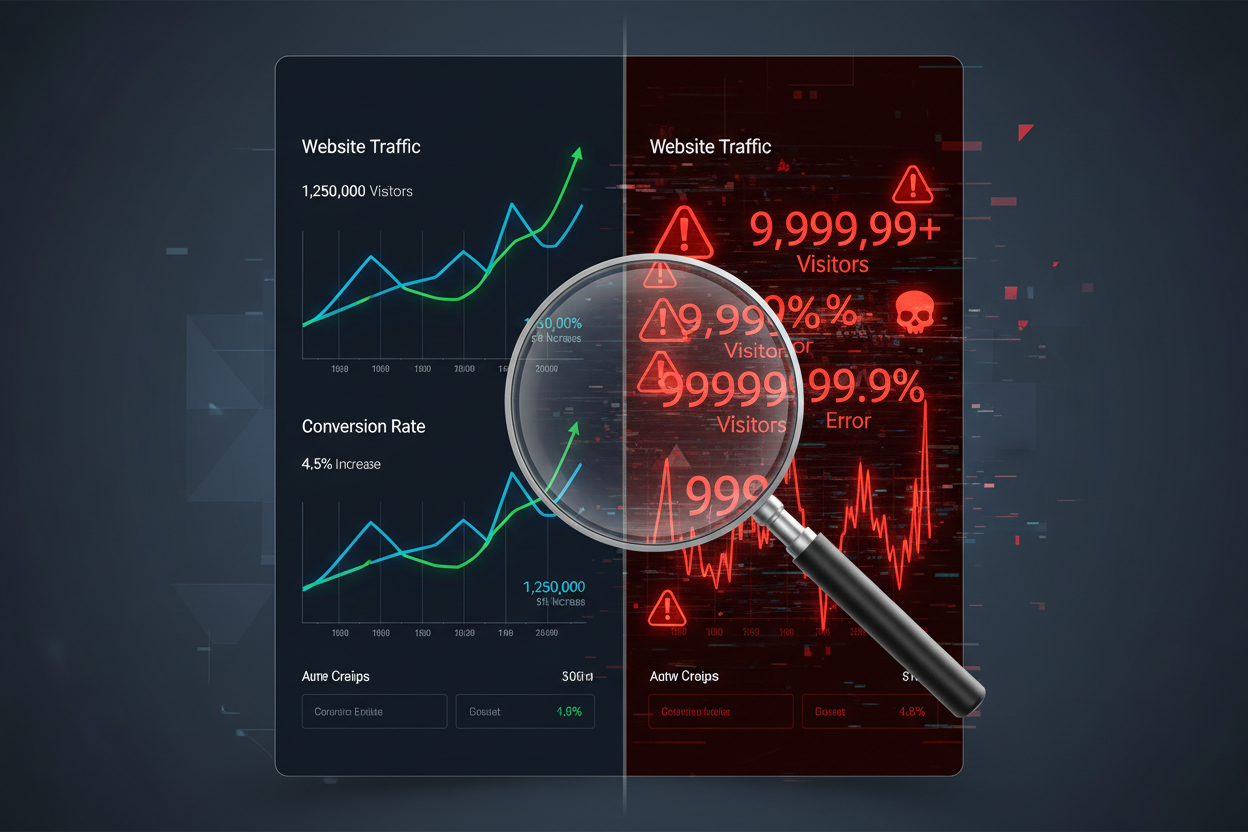
Traffic screenshots can be faked in seconds using “Inspect Element.” This guide shows how to verify real visitors the right way—read-only analytics access, bot-duration checks, geo matching, and traffic source audits—so you...
The “Inspect Element” Scam: How Sellers Fake Traffic (and How to Catch It)
Key takeaway: Screenshots are not proof—only live analytics access (read-only) or a live screen-share can verify traffic.
Here’s the nightmare: You see a listing with a clean screenshot showing 50,000 monthly visitors. It looks perfect. You buy it. On Day 1, the real traffic is… zero.
How? Any seller can right-click a webpage, hit Inspect Element, and change “1,000” to “100,000” in about five seconds. Screenshots aren’t proof. They’re marketing.
The only proof: live data access. If a seller refuses it, you don’t negotiate—you walk away.
This is rule #1 of vetting. In our guide below, “Will you grant Guest Access to Analytics?” is the ultimate deal-breaker question:
10 Questions to Ask Before Buying an Online Business
Step 1: Demand “Read-Only” Access (Non-Negotiable)
Verdict: If a seller won’t add you as a Viewer, assume the traffic is fake and move on.
Sellers often push back:
- “I can’t give you my password.”
- “Analytics has sensitive info.”
- “We don’t share access.”
Good: You don’t want their password.
You want Viewer (read-only) permissions so you can verify the asset without being able to change anything.
What to say (copy/paste):
“Please add my email as a Viewer to your Google Analytics property. I don’t need your login—Viewer access protects your security while letting me verify traffic.”

Step 2: The “Bot Spike” Test (Avg. Session Duration)
Key takeaway: Avg. session duration quickly reveals whether you’re looking at humans or junk traffic.
Once you’re inside analytics: answer one question—are these real humans or automated junk?
Check: Avg. Session Duration.
Typical patterns:
- Real humans: often 1–3 minutes (varies by niche, but it’s rarely seconds)
- Bots: often 0–1 second (ping and leave) or weirdly consistent timings like exactly 5.0 seconds
The giveaway: If a seller claims real revenue but average sessions are 4 seconds, the “traffic” isn’t valuable.
This applies heavily to software businesses too. Engagement metrics are one of the only ways to prove the app has real users—not just dead signups:
How to Start a White Label SaaS Business (No Coding)
Step 3: The “Geography Match” Test (Location Must Make Sense)
Verdict: If the traffic countries don’t match the offer, you’re likely looking at inflated or low-quality traffic.
Go to: Geo / Location style reports.
Ask: Does the traffic location match the customer location?
Example: If a store sells “USA shipping only,” but 40% of traffic is from random countries that don’t match the offer (or look like server-farm locations), treat the numbers as inflated.
For high-end services, location is everything. Verifiable local traffic is the difference between real leads and bots:
How to Start a High-Ticket AI Agency in 2026

Step 4: The “Acquisition Source” Reality Check (Where Traffic Comes From)
Key takeaway: Traffic source mix exposes fake numbers fast—especially suspicious “Direct/Unknown.”
This is where sellers get exposed: Look at acquisition channels.
- Social: verifiable clicks from TikTok/Instagram/Facebook
- Search: usually the most valuable long-term
- Direct/Unknown: can be legit (brand) but is often inflated by bots, owner refreshing, or junk sources
Rule of thumb: If Direct/Unknown is suspiciously high, treat the traffic as lower-quality until proven otherwise.
Negotiation leverage: If 30% of traffic is “Direct/Unknown” and doesn’t behave like humans, discount your valuation accordingly. Here’s how to turn audit findings into a lower price:
How to Negotiate When Buying an Online Business
If They Refuse Access: Demand a Live Screen-Share Walkthrough
Verdict: No viewer access? Fine—then they must prove it live while you control the date ranges.
If a seller refuses viewer access: you can still protect yourself.
Demand a live Zoom/Meet screen share.
Rules:
- No slides. No screenshots.
- They must log in live while you watch.
- You choose the date ranges they click (last 30 days, last 90 days, same month last year).
Why this works: You can’t fake a live database view when the buyer controls the questions.

Conclusion: Data Doesn’t Lie—People Do
Key takeaway: Honest sellers provide read-only access or a live walkthrough—excuses usually mean bots or manipulated reporting.
A seller with nothing to hide: will give you viewer access or a live walkthrough. A seller hiding bots will find every excuse not to.
At Ecom Chief, we verify traffic sources before listing so buyers start with clean data—not a revenue mirage.
Final Note
Verdict: Don’t buy screenshots—buy verified access and clean analytics.
Don’t guess: We pre-vet analytics and traffic quality before we sell.
Browse our Vetted Online Businesses for Sale:
Related reading
All articles


Free Online Business Calculators
Estimate costs, profits, ROI, affiliate earnings, and business value before you spend money.