
AmazonAffiliate
FBA Due Diligence: How to Expose Hidden Account Health History Before You Buy
A green Account Health screenshot can hide years of policy warnings, black hat tactics, or past suspensions. This guide shows buyers how to demand read-only Seller Central access, audit Performance Notifications, spot...
FBA Due Diligence: How to Expose Hidden Account Health History Before You Buy
Key takeaway: A green Account Health screenshot proves almost nothing — you need live access to the account’s enforcement history.
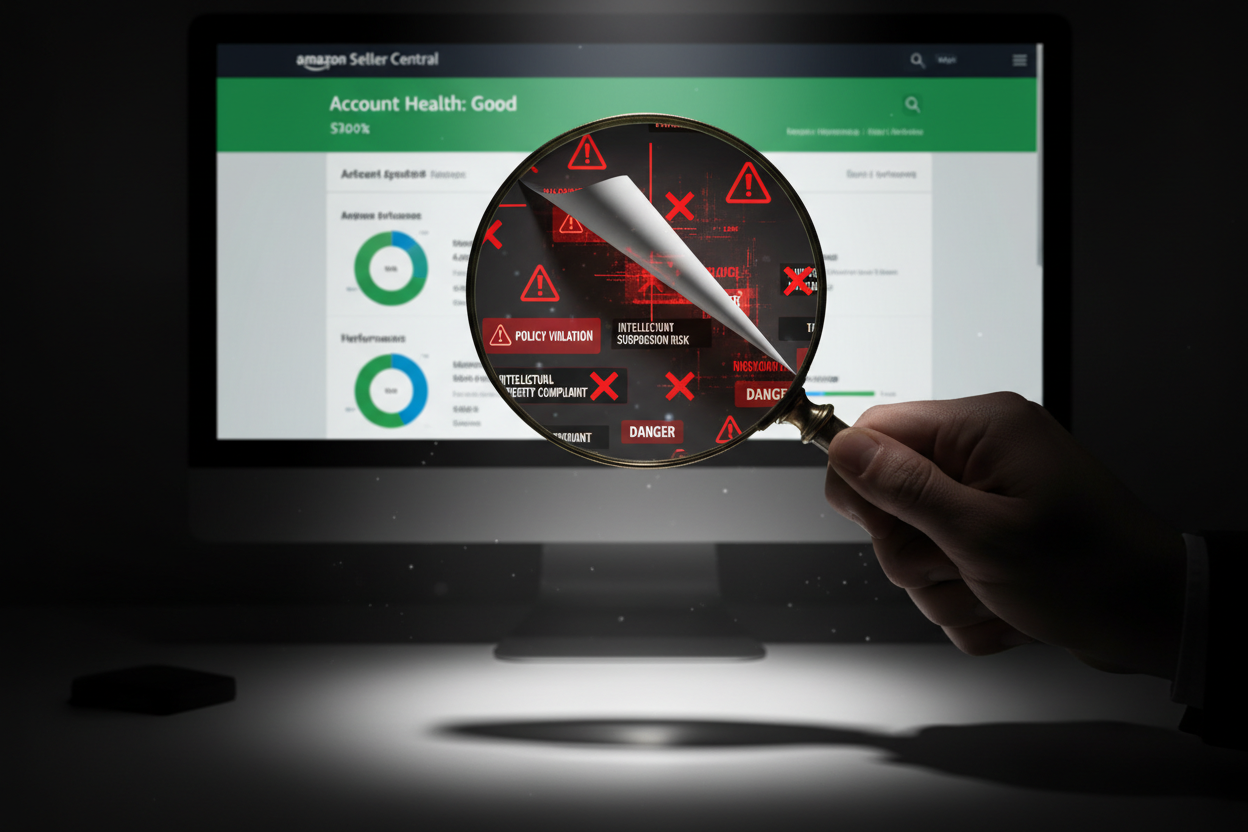
Here’s the trap: Sellers send a “perfect” Seller Central Account Health screenshot. Everything is green. Looks safe.
But that dashboard is a surface view. It shows current/recent signals — not the full history of warnings, investigations, and enforcement actions Amazon keeps internally.
Why it matters: If the previous owner played dirty (even years ago), the account can be permanently higher-risk. Then one small automated strike can trigger a suspension that’s brutal to reverse.
The Permanent Record (and Black Hat Ghosts)
Verdict: Past policy issues can shadow an account for years — even if the seller “appealed successfully.”
What sellers are motivated to hide:
- policy warnings tied to review manipulation
- “brushing” (fake orders to generate reviews)
- IP violations or counterfeit claims
- misleading listing behavior
Reality: Amazon doesn’t “forget.” An account may still be tagged internally as higher risk even after a successful appeal.

The Review Purge Risk (The Real Killer)
Key takeaway: If reviews were manipulated, Amazon can purge them later — and your conversion rate can collapse overnight.
Ask the hard question: Are those thousands of 5-star reviews legitimate… or boosted through incentives, rebate groups, or manipulation?
If Amazon detects patterns: even later, they can trigger a review purge. Lose 60–80% of reviews and conversions can fall fast.
Then you’re forced to spend more on PPC to maintain sales, pushing you into the “paper rich, cash poor” margin trap:
Paper Rich, Cash Poor: The FBA Profit Trap Buyers Miss
The Non-Negotiable Move: Demand Read-Only Access
Verdict: Screenshots are not due diligence — read-only access is.
Stop accepting screenshots. They can be edited, cherry-picked, or incomplete.
You must request: Seller Central read-only access (permissions), not their password.
What sellers say: “I can’t share my password.” “It’s sensitive.” “It exposes private info.”
Good. You don’t want their password — you want view-only permissions so you can verify safely.
What to say (copy/paste):
“Please add my email as a user with read-only access to Seller Central so I can review account health history and performance notifications. I do not need login credentials.”

What to Audit Once Inside (The Real Case Logs)
Key takeaway: Don’t stare at the green score — open the message history where enforcement actions actually appear.
Do not stop at: Account Health.
Go here instead: Performance → Performance Notifications
Then review: at least the last 36 months.
If you see anything like:
- “Action Required: Your selling privileges have been suspended”
- “Policy warning”
- “Inauthentic reviews”
- “Intellectual property complaint”
Rule: the seller must explain it with receipts (dates, root cause, appeal text, and outcomes).

If This Stress Is a Dealbreaker, Consider the Safer Model
Verdict: If you don’t want enforcement risk, the affiliate model can feel calmer — but you must underwrite commission terms correctly.
Some buyers decide: they don’t want to live under Seller Central enforcement at all.
In that case, the Amazon Associates (affiliate) model can feel calmer:
- no inventory
- no listing suspensions
- focus shifts to traffic + commission structure
Important: commission terms often don’t transfer — read this before buying:
Will Custom Amazon Commission Rates Transfer When You Buy an Affiliate Site?
Don’t Buy a Ticking Time Bomb
Key takeaway: Amazon FBA value is account standing — not screenshots, not promises, not “trust me.”
A “green” screenshot isn’t proof. Hidden enforcement history is a silent killer — and it often appears only after you’ve paid.
At Ecom Chief, we push for real access and clear history so buyers aren’t blindsided post-acquisition.
Video: Amazon Account Health (What to Audit and Where)
Verdict: If you follow the audit path in this video, you’ll catch most “hidden history” problems before you wire money.
Next step: Don’t risk your capital on an account with hidden suspensions or policy history. We vet account health before listing.
Related reading
All articles


Free Online Business Calculators
Estimate costs, profits, ROI, affiliate earnings, and business value before you spend money.