
BuyingGuide
Buy Shopify Store — A No-Nonsense Guide
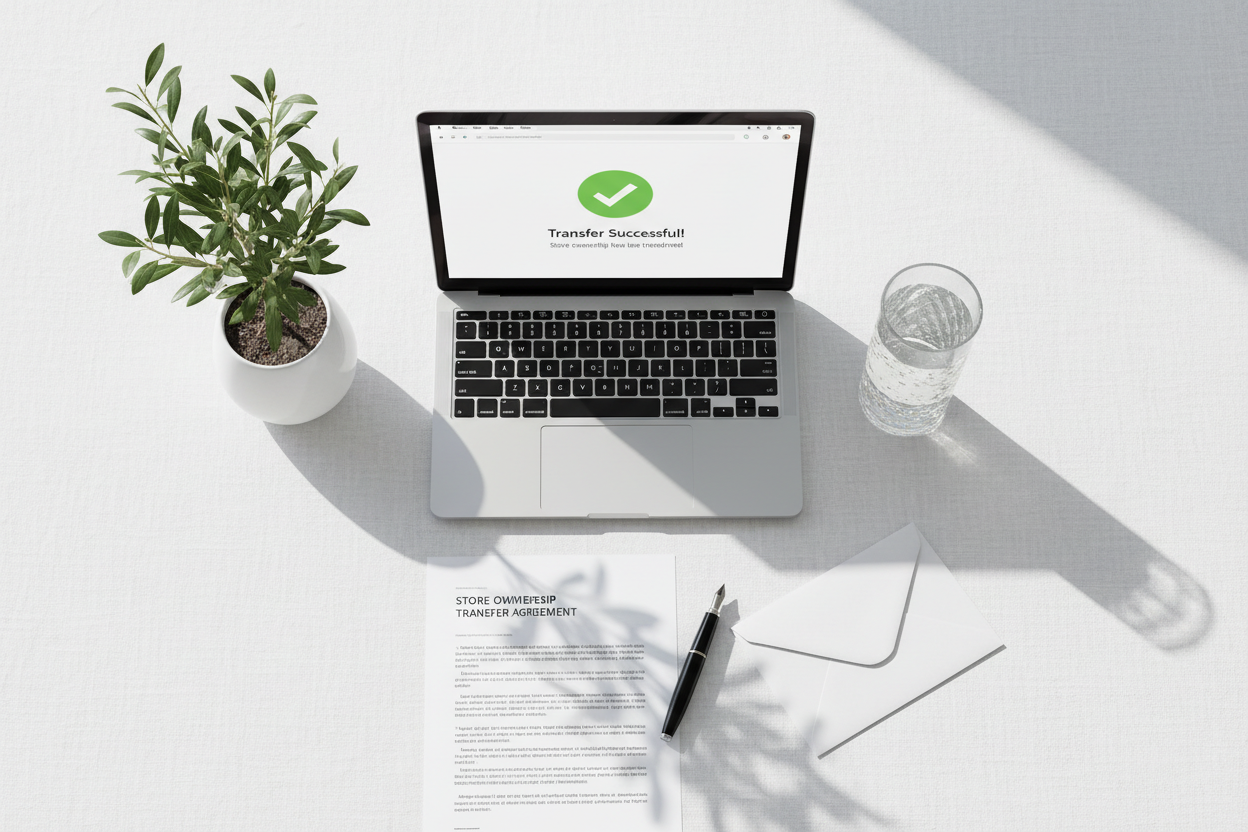
Quick Answer: To buy a Shopify store, you'll go through one of three channels — an acquisition marketplace like Flippa for revenue-verified stores, an individual seller found through Reddit or Facebook groups, or a provider like EcomChief that builds and sells launch-ready stores directly. Each has a different transfer process, different price logic, and different risk. This exact confusion shows up on Reddit constantly — people who don't realize "buy a Shopify store" means three different transactions depending on where they're looking. EcomChief sells custom-built stores at a flat $99, with the full ownership transfer handled through Shopify's official store transfer tool.
Type "buy Shopify store" into Reddit's search bar and you'll find people asking the same two things over and over: where do I actually go, and how does the ownership part even work? Most articles answer the first question vaguely and skip the second entirely. I want to answer both properly.

The Three Places People Actually Buy Shopify Stores
Key Takeaway: Marketplace, individual seller, or direct provider — each one is a different transaction with different rules.
Flippa and Empire Flippers are auction-style or listing-based marketplaces for businesses with real revenue history. Sellers upload connected analytics, a profit and loss statement, and traffic data. Prices are set as a multiple of monthly profit — usually 20 to 40 times for a small ecommerce store. Buying here means real due diligence: verifying bank deposits match claimed revenue, checking whether traffic is organic or ad-dependent, and confirming the P&L isn't inflated with one-time sales. This is the slowest and most expensive path, and it's the wrong one if you just want a foundation to build on.
Individual sellers post in places like r/shopify, r/FlippingWebsites, or private Facebook groups. These are usually stores someone built, never launched properly, and is now offloading — sometimes for a genuine reason, sometimes because they've quietly abandoned it after a supplier issue or a platform ban they're not mentioning. Prices here are unregulated and vary wildly for identical quality. The upside is you can message the seller directly and get a feel for whether they're being straight with you before committing.
Direct providers like EcomChief build stores specifically to sell as launch-ready foundations — no revenue history to verify because there isn't any yet, and no auction process. You're paying for the build quality and the handover, not for existing traffic. This is the fastest path and the right one if your goal is to start operating quickly rather than acquire something already proven.
How Shopify Store Ownership Actually Transfers
Key Takeaway: Shopify has a built-in store transfer tool — anything happening outside of it is a red flag.
Here's the part almost nobody explains clearly. Shopify has an official "Transfer Store Ownership" feature built into the platform itself. The seller initiates it from their admin under Settings, enters your email, and Shopify sends you a transfer request. You accept it, and the store — theme, products, order history, everything — moves to your account without either party touching passwords or handing over login credentials directly.
This matters because it's your first real test of legitimacy. If a seller wants to just email you a username and password instead of using Shopify's transfer tool, that's a problem. It usually means the store is on a plan they don't want to cancel, or they're trying to keep some kind of access after the sale. A legitimate seller has no reason to avoid the official process — it's free, it's fast, and it's the only method that actually gives you clean, sole ownership.
Separately, if the store uses a custom domain, that transfers through your domain registrar — GoDaddy, Namecheap, or wherever it's registered — not through Shopify. Confirm domain transfer is included and get the registrar login or an authorization code before you pay, not after.
What a Real Listing Actually Looks Like
Key Takeaway: Specific product data and a working checkout beat polished marketing copy every time.
A listing worth taking seriously gives you a live preview link you can click through yourself — not a video walkthrough, not a gallery of screenshots. Put a test item in the cart and go through checkout up to the payment screen. If that flow breaks, feels unfinished, or the store timer-outs, walk away regardless of how good the homepage photos look.
Check the product pages specifically. Real, curated products have complete descriptions and multiple images. A store padded out with fifty products that all share the same three-sentence description pasted from a supplier feed is a store nobody has actually worked on — it was populated, not built. Our guide on what to check in a dropshipping business specifically goes deeper into supplier verification if that's the store type you're considering.
What Goes Wrong — Real Patterns, Not Hypotheticals
Key Takeaway: The most common problem isn't fraud — it's a seller who oversold what they actually built.
The complaint I see most often isn't outright scamming. It's someone paying for a store described as "fully set up" and discovering the supplier integration was never tested with a real order, so the first sale they make fails at fulfillment. Or the theme was customized just enough to look different in a screenshot, but every internal page still uses the default Shopify layout underneath.
Ask directly: "Has a real test order been placed through this store's checkout and fulfillment flow?" A seller who's actually done this answers with specifics — what happened, how long it took, any issue they fixed. A seller who hasn't will either dodge the question or admit it vaguely. That single question, asked before you pay, catches more real problems than any generic checklist.
| Where You're Buying | Main Risk | How to Check |
|---|---|---|
| Marketplace (Flippa) | Inflated or fabricated revenue | Request bank statement proof, not just dashboard screenshots |
| Individual seller (Reddit/FB) | Undisclosed reason for selling | Ask directly why they're selling and how long they ran it |
| Direct provider | Untested supplier integration | Ask if a real test order has been placed and fulfilled |

Payment — How Money Should Actually Move
Key Takeaway: Never pay in full before the Shopify transfer request is sent — use a platform with buyer protection or split the payment around the handover.
For anything bought outside a marketplace with built-in escrow, structure the payment around the transfer, not before it. A reasonable approach: pay a deposit to reserve the store, receive and accept the Shopify transfer request, confirm you have full admin access, then release the remaining balance. Never wire the full amount to someone before you've seen the transfer request land in your own Shopify account.
If a seller insists on full payment upfront through an untraceable method — cryptocurrency with no other option, a personal payment app with buyer protection disabled — treat that as a serious warning sign, not just an inconvenience.
What EcomChief Does Differently
Key Takeaway: Flat $99, official Shopify transfer, and a tested handover — because we've been on the buyer's side of a bad transaction before.
Every EcomChief store transfers through Shopify's official tool, no exceptions. Domain transfer instructions are provided in writing before you pay. And every store has been through the exact test-order verification described above — we don't hand over a store we haven't personally clicked through as if we were the customer. Full detail is on our handover process page.
Price is $99 flat, with an optional $148 traffic package if you want marketing support alongside the store itself. We're rated 5.0/5 based on 3,979 reviews, 247+ businesses sold.

Buy a Shopify Store You Can Actually Verify
Key Takeaway: Official transfer, tested handover, honest pricing — check it yourself.
The stores in EcomChief's catalog are built using the exact method described in this post. Not templated. Not assembled from a page builder. Custom sections, locked design systems, production-ready — the same standard I hold my own theme to. Every store starts at $99, with an optional $148 traffic package if you want marketing support from day one. If you want to own a store built this way without spending months developing the method yourself, this is where to start.
The Bottom Line
Key Takeaway: Know which of the three channels you're in, verify the store transfers through Shopify's real tool, and never pay in full before the handover completes.
Buying a Shopify store isn't risky because the process is inherently unsafe — it's risky when buyers skip the mechanics that actually protect them. Confirm the channel, confirm the official transfer tool is being used, confirm a real test order has been placed, and structure your payment around the handover instead of before it. Do those four things and the "is this safe" worry mostly disappears.
Helpful EcomChief Resources
Key Takeaway: Quick links to browse, verify, and get answers before you buy.
Here are useful links:
- Browse All Businesses — From $99
- Dropshipping Stores
- The Handover Process
- What's Included
- Talk to Us Before You Buy
- Shopify Stores for Sale — Full Breakdown
- Dropshipping Business for Sale
Ready to look? Browse the catalog and test the live preview and checkout flow yourself before deciding.
Related reading
All articles

Free Online Business Calculators
Estimate costs, profits, ROI, affiliate earnings, and business value before you spend money.